
Setting up consent forms
Questions you ask and consents clients sign, collected before the visit and kept with the appointment. Forms are part of Lunelle Pro.
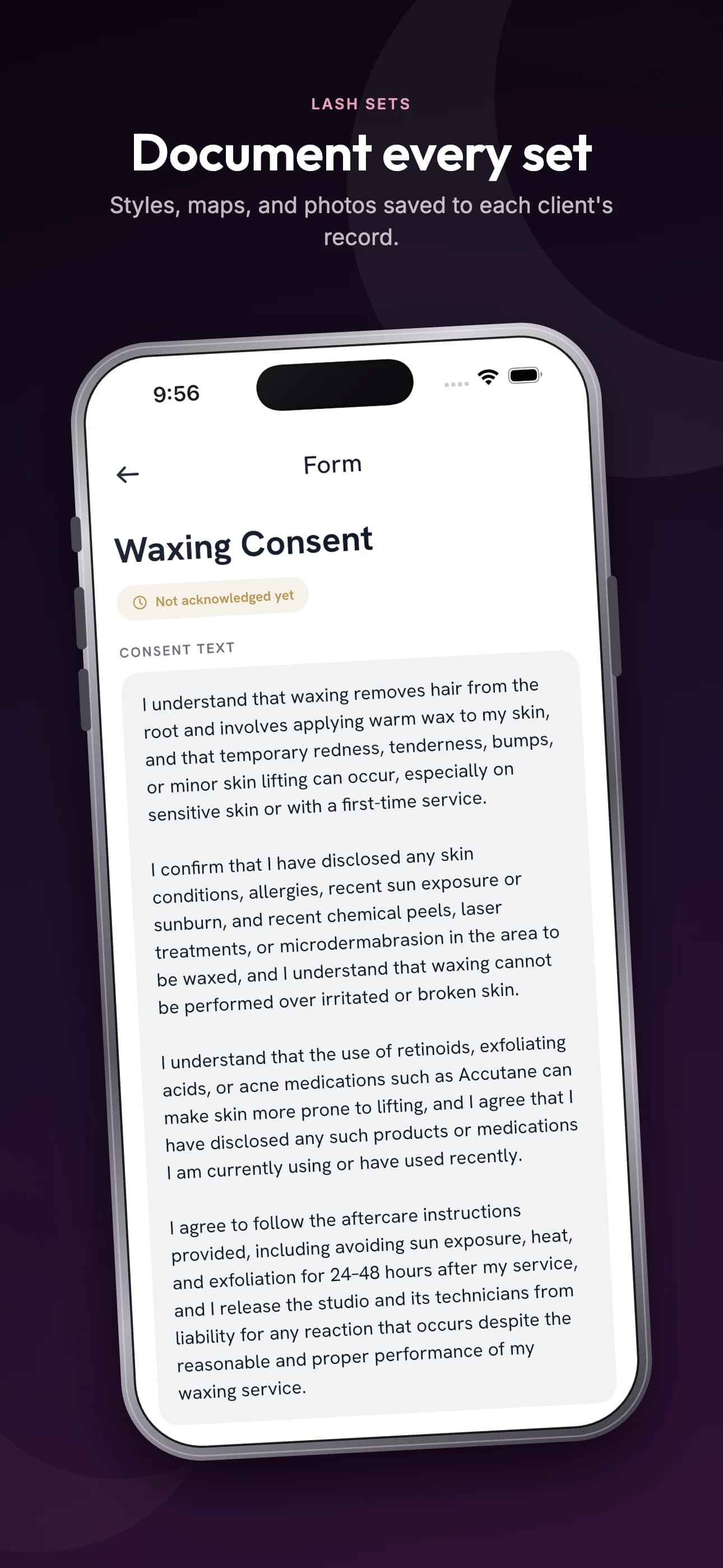
Open Forms
More, then Bookings, then Forms. Consents holds the agreements clients sign. Questions holds what you ask, like allergies or the look they want.
Start from a template
Tap Templates, pick the consents you need, such as Lash Extension Consent or UV/LED Lash Extension Consent, and add them. Or tap New form to write your own.
Choose who signs it
Under Applies to, keep Any appointment or pick the services it covers. Under Signing, choose Checkbox or Signature, and how long a signature stays valid.
Make it live
Switch on Live. Clients then sign it before they can book online, and a client booked another way is emailed a link with their confirmation.
Check who has signed
Open an appointment and look under Required forms: each one reads Signed by client or Awaiting client. Send forms, in the appointment's actions, sends the link again.
More guides
Something not covered? Email support@lunelle.app.